$
Rent ledger & receipts
Charges are generated from your lease. Payments apply oldest-first, partial and late rent is tracked, and Ontario-compliant NSF fees (actual bank charge + max $20 admin) are built in. One tap makes a receipt.
 Propenix
Made for Canadian landlords, starting with Ontario
Propenix tracks rent, mortgage, expenses and tax for your Ontario rental property — and tells you what to do before December 31. Native on iPhone. Private by design.
Everything one property needs
We studied the leading landlord apps — Stessa, Landlord Studio, TurboTenant, RentRedi, Avail, Baselane, TenantCloud and more — kept what a single-property owner actually uses, and rebuilt it around Canadian and Ontario rules.
Charges are generated from your lease. Payments apply oldest-first, partial and late rent is tracked, and Ontario-compliant NSF fees (actual bank charge + max $20 admin) are built in. One tap makes a receipt.
Fixed rates compound semi-annually, variable monthly — the way lenders actually do it. Full amortization, renewals that re-amortize, accelerated payments, prepayment what-ifs, and your renewal date on the calendar.
Every expense maps to its CRA T776 line. See net rental income, your marginal rate, the tax on your rental income and after-tax cash flow — using 2026 federal and Ontario brackets, surtax and health premium.
Personalized, dollar-quantified tips: RRSP offset, CCA (and its recapture trap), timing repairs before Dec 31, capital-vs-repair reviews, instalment warnings, and a filing-readiness checklist.
Checks the 12-month rule, the 90-day notice and the guideline (2.1% in 2026, 1.9% in 2027). Suggests the largest compliant rent and the date to serve the N1. Tracks last-month's-rent deposit interest, too.
Snap or import a receipt and on-device text recognition fills in the total, date and merchant. Attach PDFs, keep six years of records, and see which expenses still need support.
Log tenant requests, assign a trusted vendor, schedule visits and book the final cost as a repair — or a capital improvement — with one tap. Recurring tasks keep smoke alarms and furnace filters on schedule.
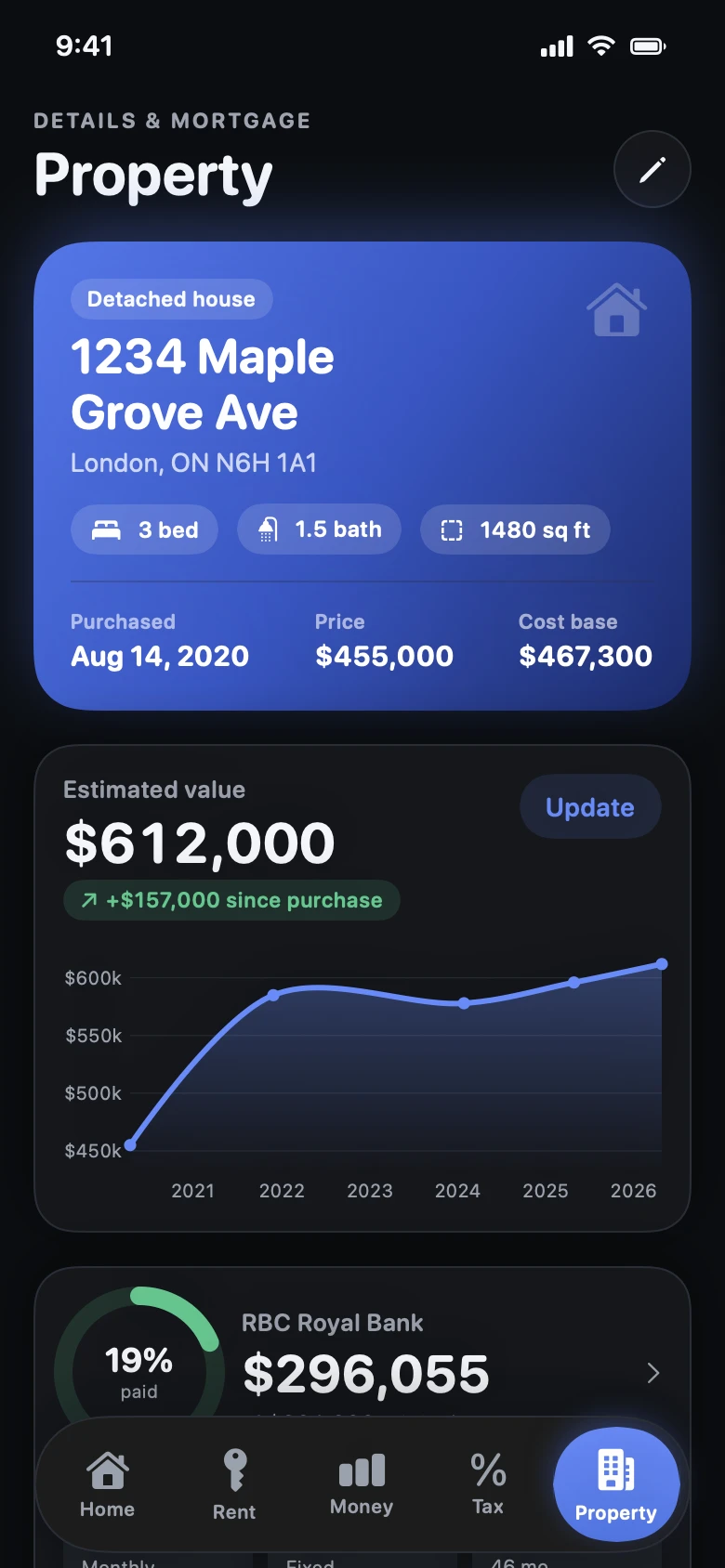
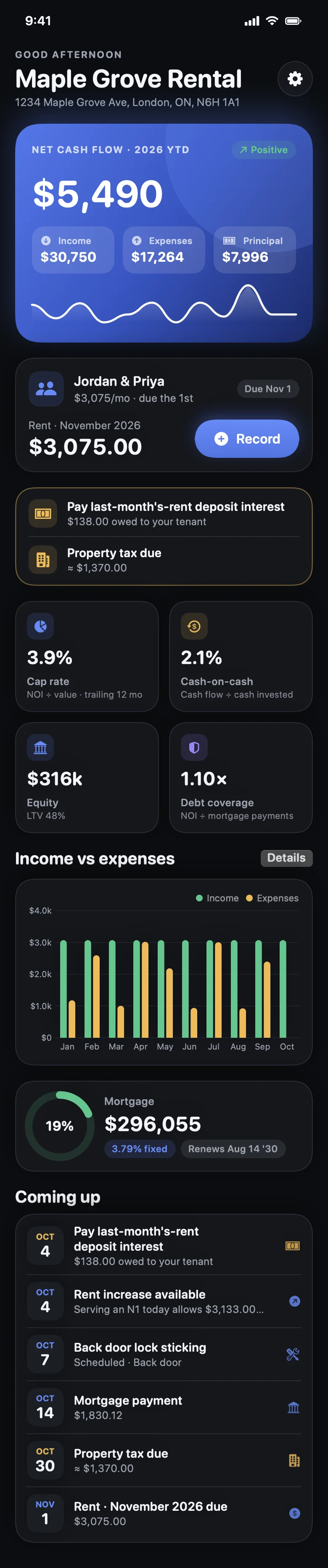
Cap rate, cash-on-cash, debt coverage, equity, loan-to-value and total return on a trailing-12-month basis, with value history and an exit analysis: capital gain, recapture and after-tax proceeds.
No ads, no analytics, no third-party cloud. Your data lives on your iPhone, locked behind Face ID if you like, with automatic daily backups and one-tap export for your accountant.
Optional. Run the tiny Propenix server on a Mac, NAS or Raspberry Pi and keep every device and receipt in step — offline-first, with conflict handling and device management. Everything is end-to-end encrypted on your phone: the server only stores data it can't read.
Share a read-only web page with the years you choose: income, expenses, rent payments and receipts, plus CSV downloads. It's encrypted on your phone and opens in your accountant's browser with a key only the link carries. Links expire on their own and you can revoke one any time. No account needed.
When you turn on sync you get a one-time recovery key. Lose your password and it still unlocks your data; lose both and nobody — not even the server's owner — can read it. That's what end-to-end means.
App tour
Built for Ontario & Canada
Many popular landlord apps are US-first: Schedule E, state lease templates, FDIC banking. Propenix follows the Canada Revenue Agency and Ontario's Residential Tenancies Act.
Lines 8141–9945, loan-fee amortization over five years, optional Class 1 CCA that can't create a loss, and ownership-share scaling for co-owners.
2.1% for 2026 and 1.9% for 2027, applied only to units that are covered. Increases are rounded down to whole dollars — never above the cap.
N1, N4, N5, N7, N11, N12, N13, L1, L2 and the Standard Lease — with plain-English guidance on when each applies.
Only a last-month's-rent deposit is allowed, capped at one month. Annual interest at the guideline rate is calculated and logged as a deductible expense.
Ontario doesn't permit them. Propenix caps NSF admin charges at $20 plus the actual bank fee — and refuses anything more.
Residential Rental Unit licence tracking with the $65 annual renewal, plus Ontario Fire Code alarm-testing reminders.
Try the math
These run entirely in your browser and use the same formulas as the app, checked against it by automated tests.
Under a minute
Privacy
Propenix has no cloud of its own. Everything stays on your iPhone by default. If you turn on sync, your records go only to a server you run — and they're end-to-end encrypted first, so even that server can't read them.
Questions
No. It provides estimates, reminders and educational guidance based on CRA 2026 payroll tables and the Residential Tenancies Act. Confirm decisions with a CPA and, for notices, the Landlord and Tenant Board.
Version 1 is deliberately built for a single Ontario rental property, which keeps it simple and fast. Multi-property support is on the roadmap.
Not in v1. Propenix is a private record-keeping tool for the landlord: you record e-Transfers, cheques and cash, and it handles ledgers, receipts and reminders.
No. Propenix works fully on its own. The server is optional and meant for people who want an off-device copy, more than one device, or a share link for their accountant. It's a small Docker container (about 30 MB of memory) you can run on a Mac, NAS or Raspberry Pi, and reach from your phone over Tailscale or an HTTPS tunnel.
On the phone, the app keeps rolling daily backups (included in your iCloud or computer device backups) and lets you export a file any time. With the optional server, your records and receipts are also copied off the device, and the server takes nightly database snapshots.
Because rules are local. The T776 and CRA rates apply across Canada, but rent control, deposits, notices and licensing are provincial. Ontario first; other provinces later.
Propenix began as a personal tool for one landlord's single property. There is no subscription. If a public App Store release happens, it will be announced here.
Requires iPhone with iOS 17 or later. Layouts adapt to iPad.
App Store listing coming soon. Building from source needs a Mac with Xcode 16+ — the README has the five-minute steps.